
The FUT web app, only better
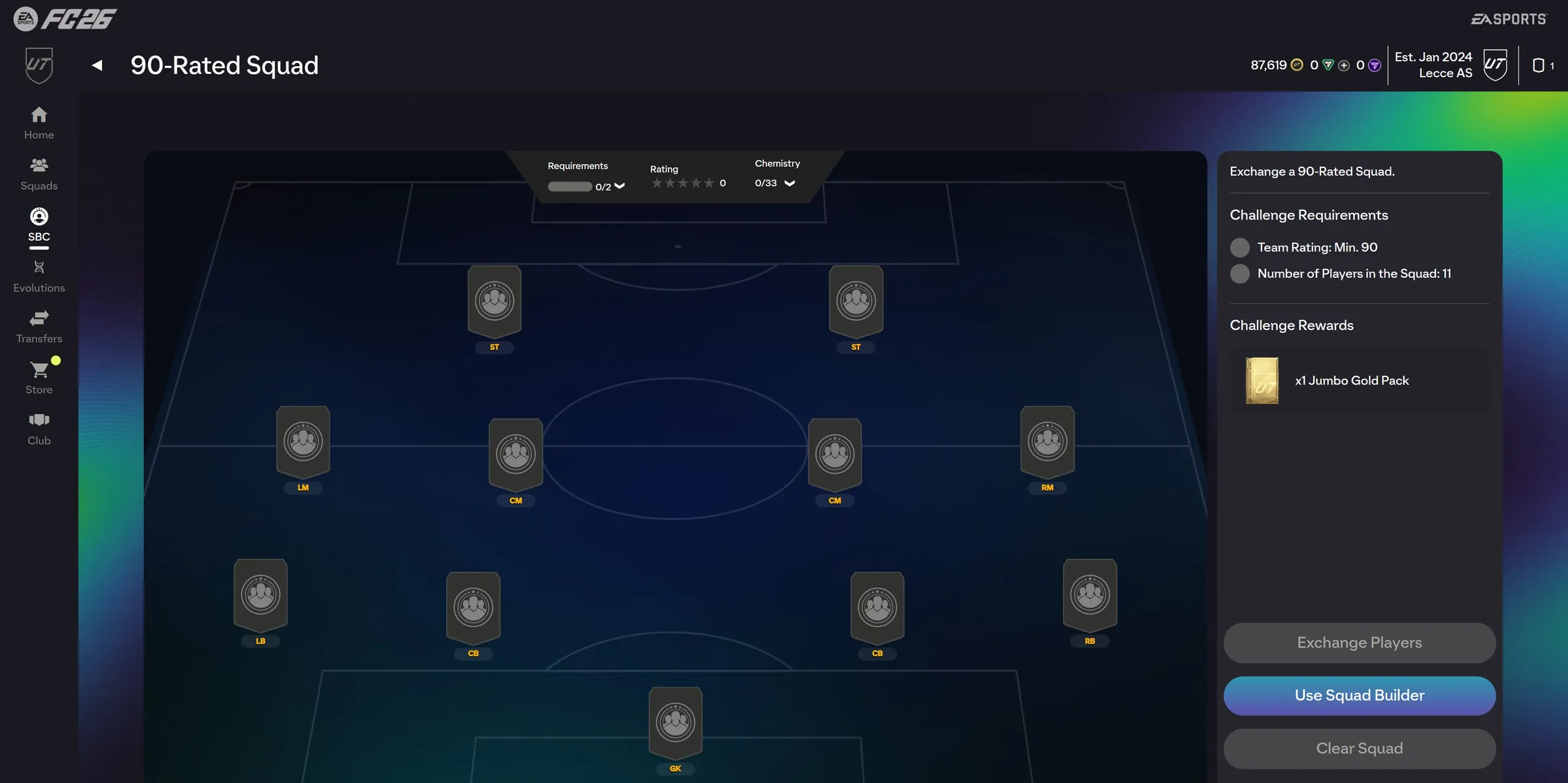
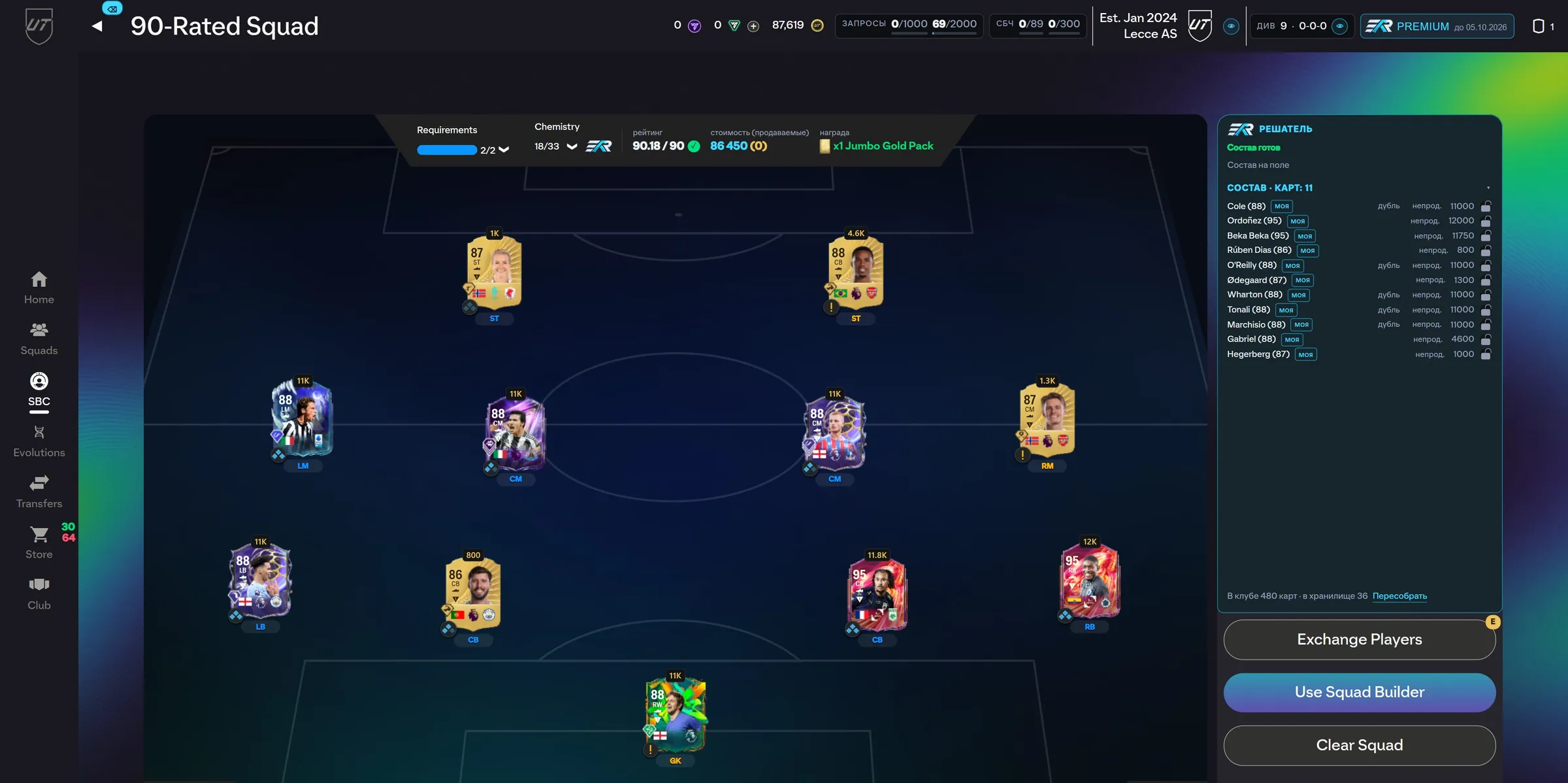
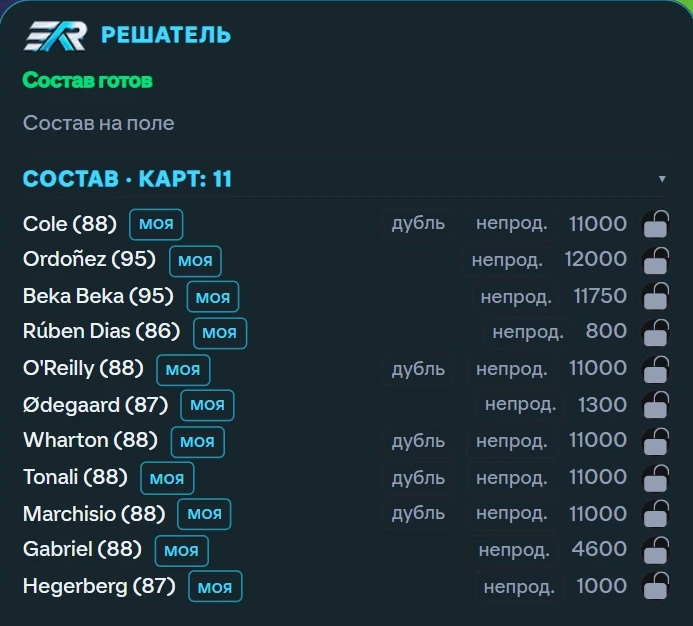
What appeared: the squad on the pitch, a price on every card, squad rating and cost, locks on untradeable cards
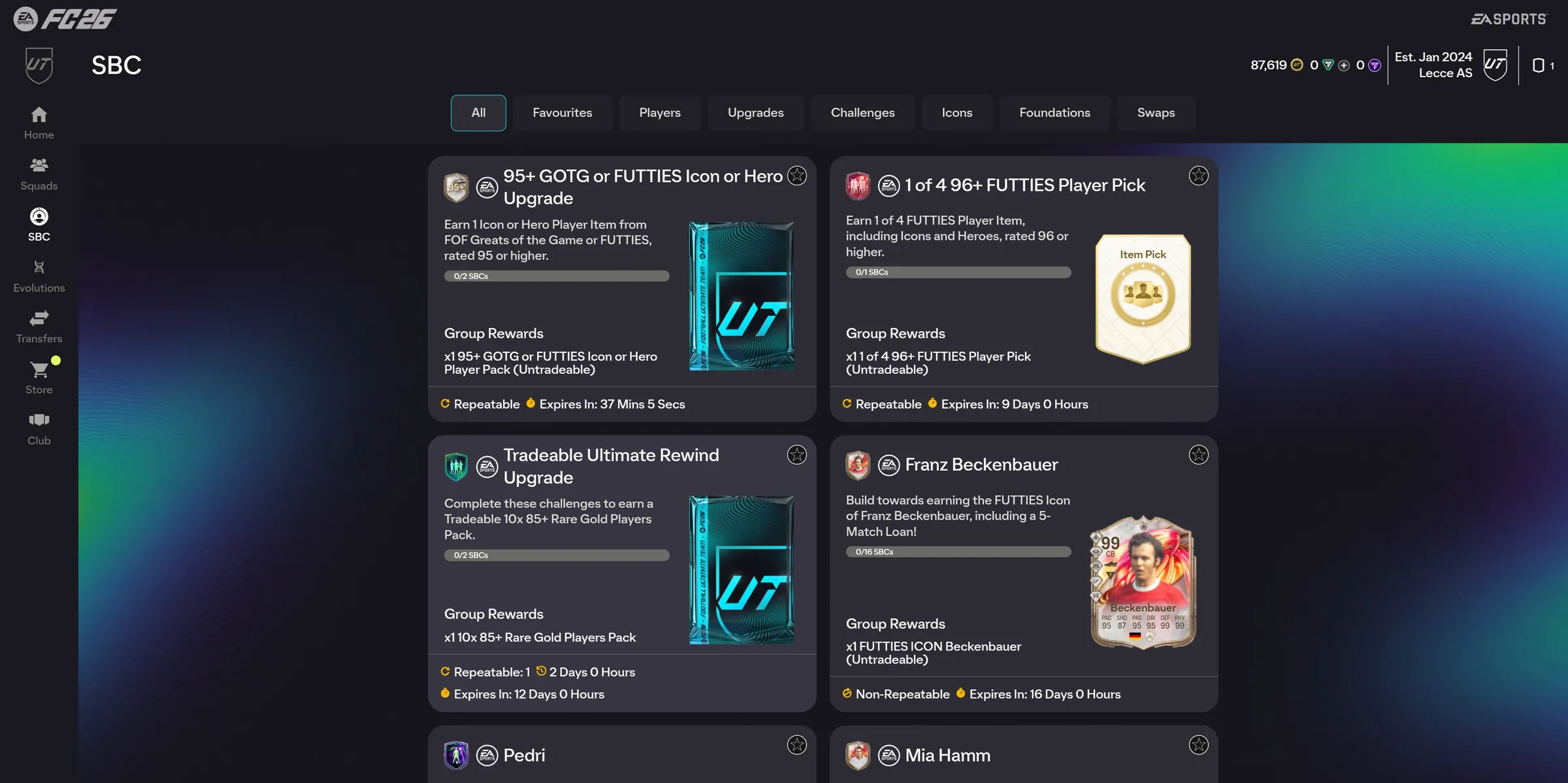
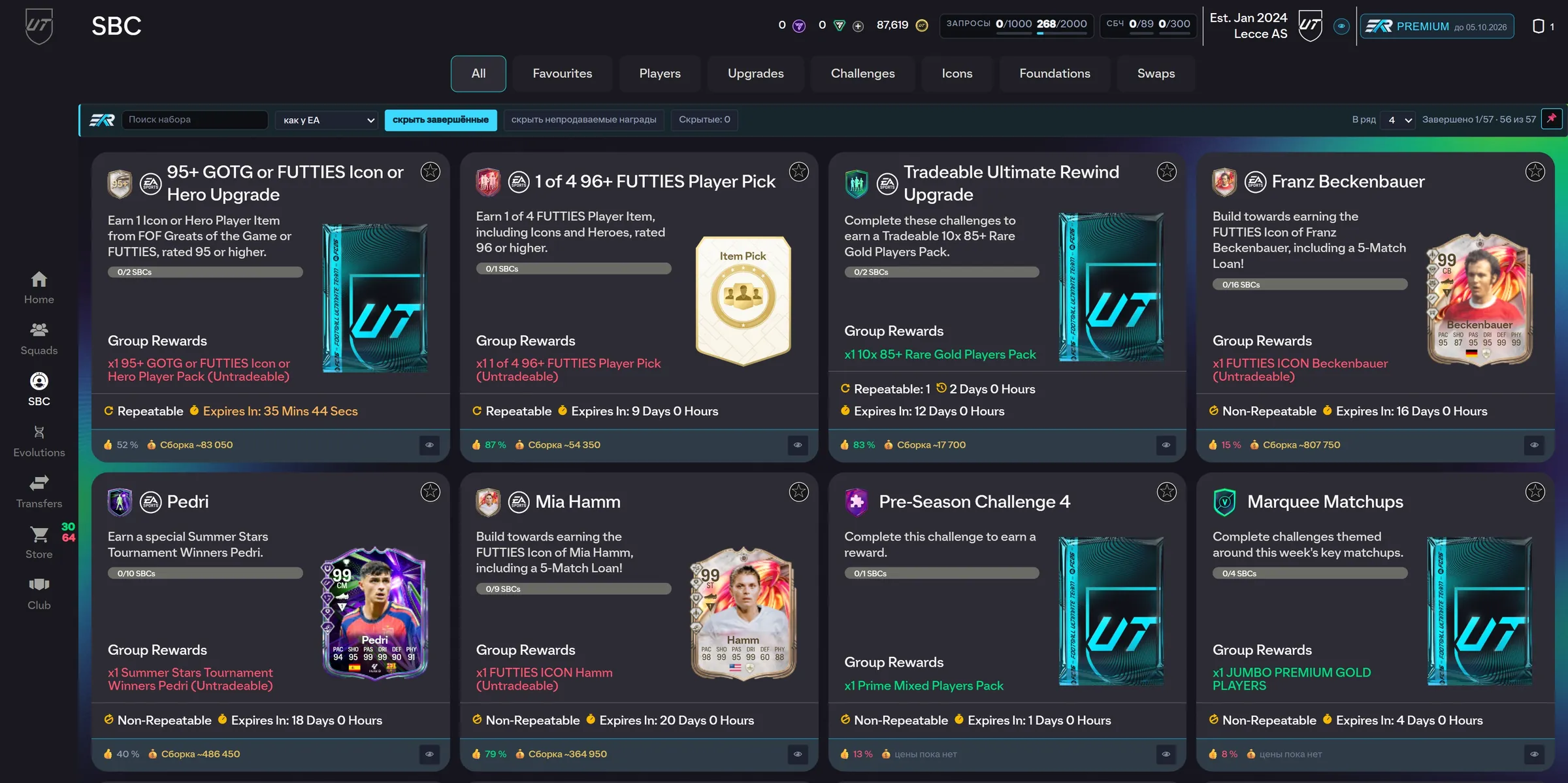
What appeared: four sets per row instead of two, search across sets, build cost and readiness on each, “hide finished”
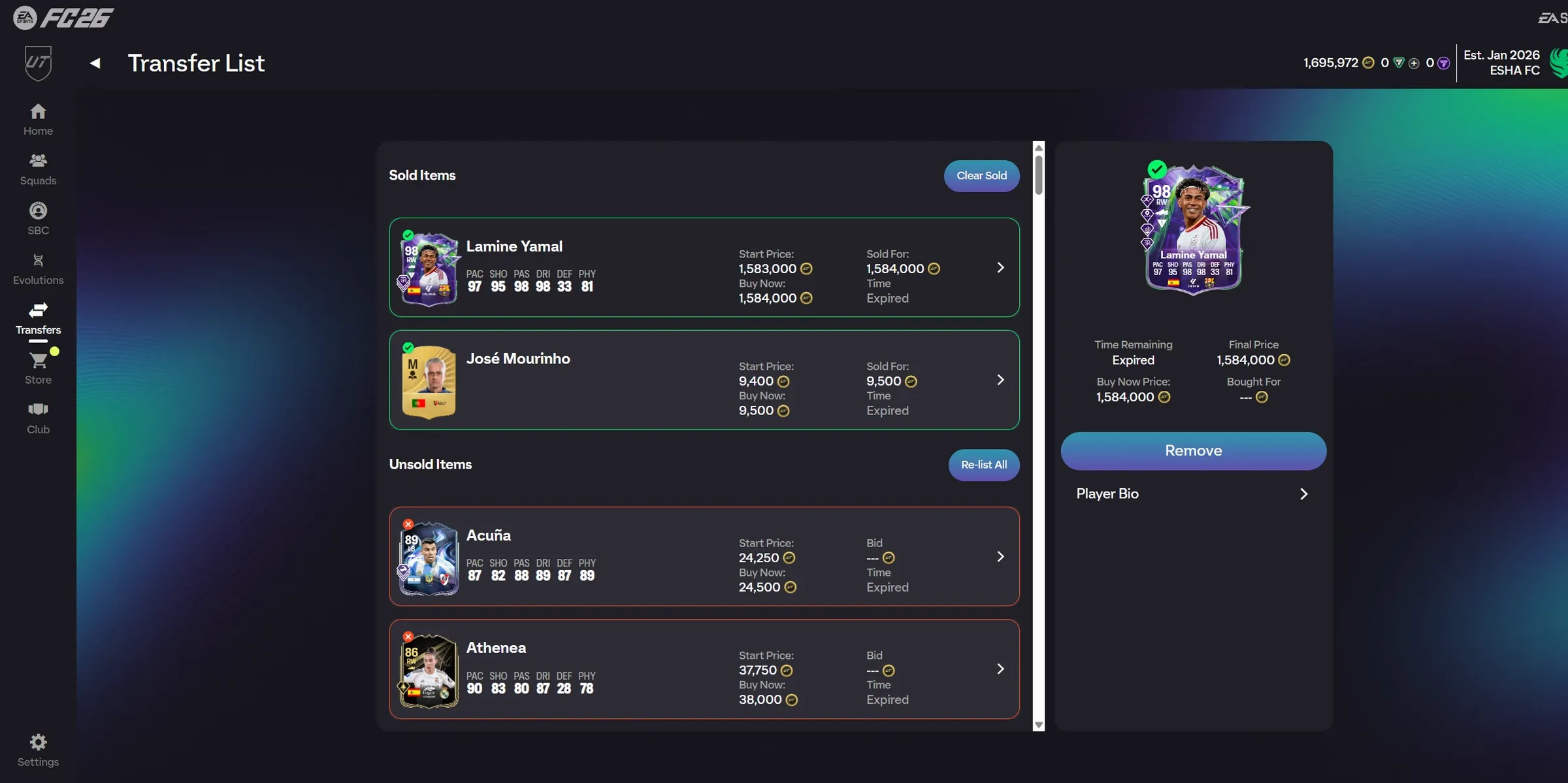
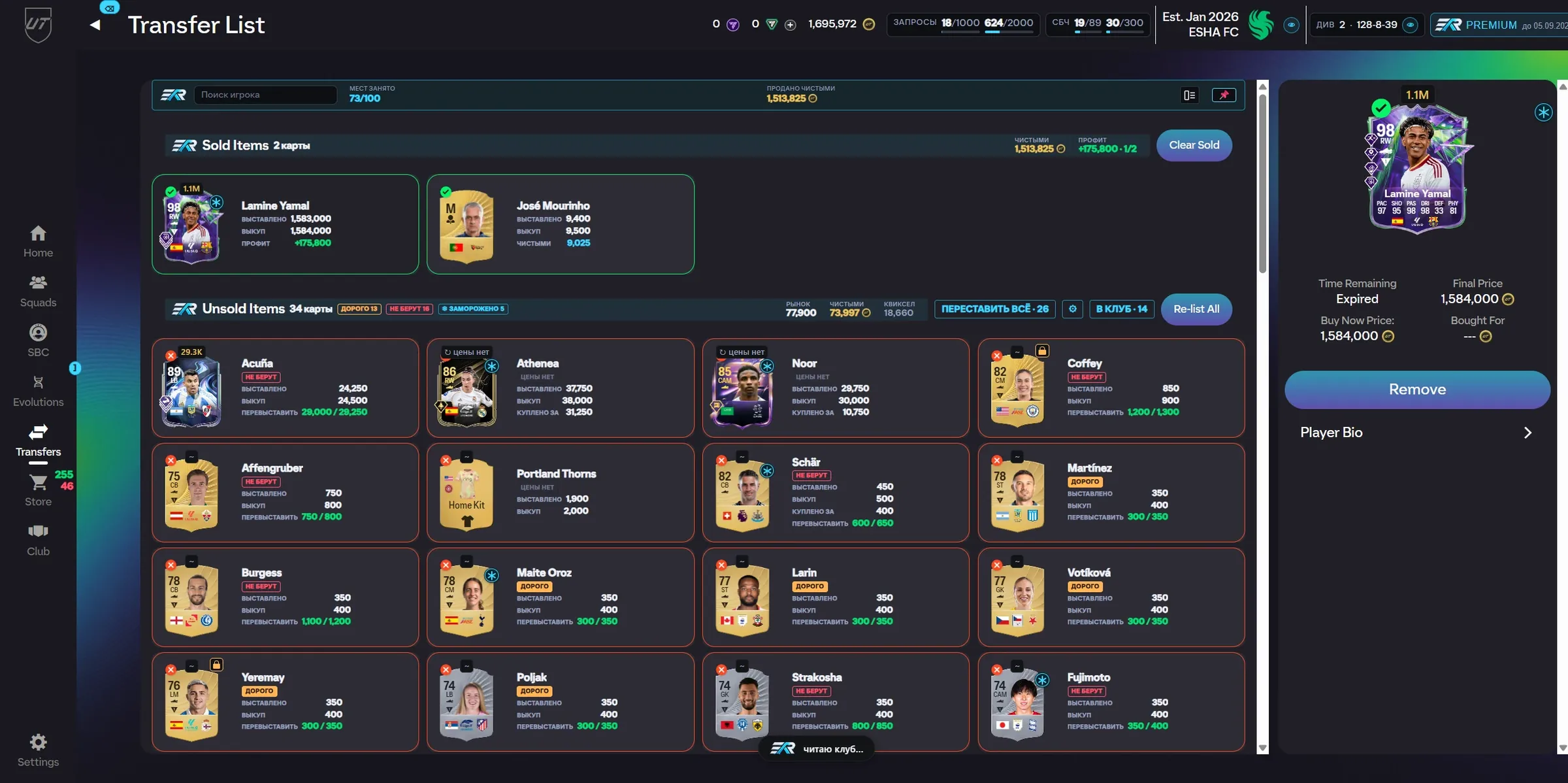
What appeared: coins after EA tax on every card, what a sold card made over its purchase, 34 cards in a grid instead of a column, “Re-list all”
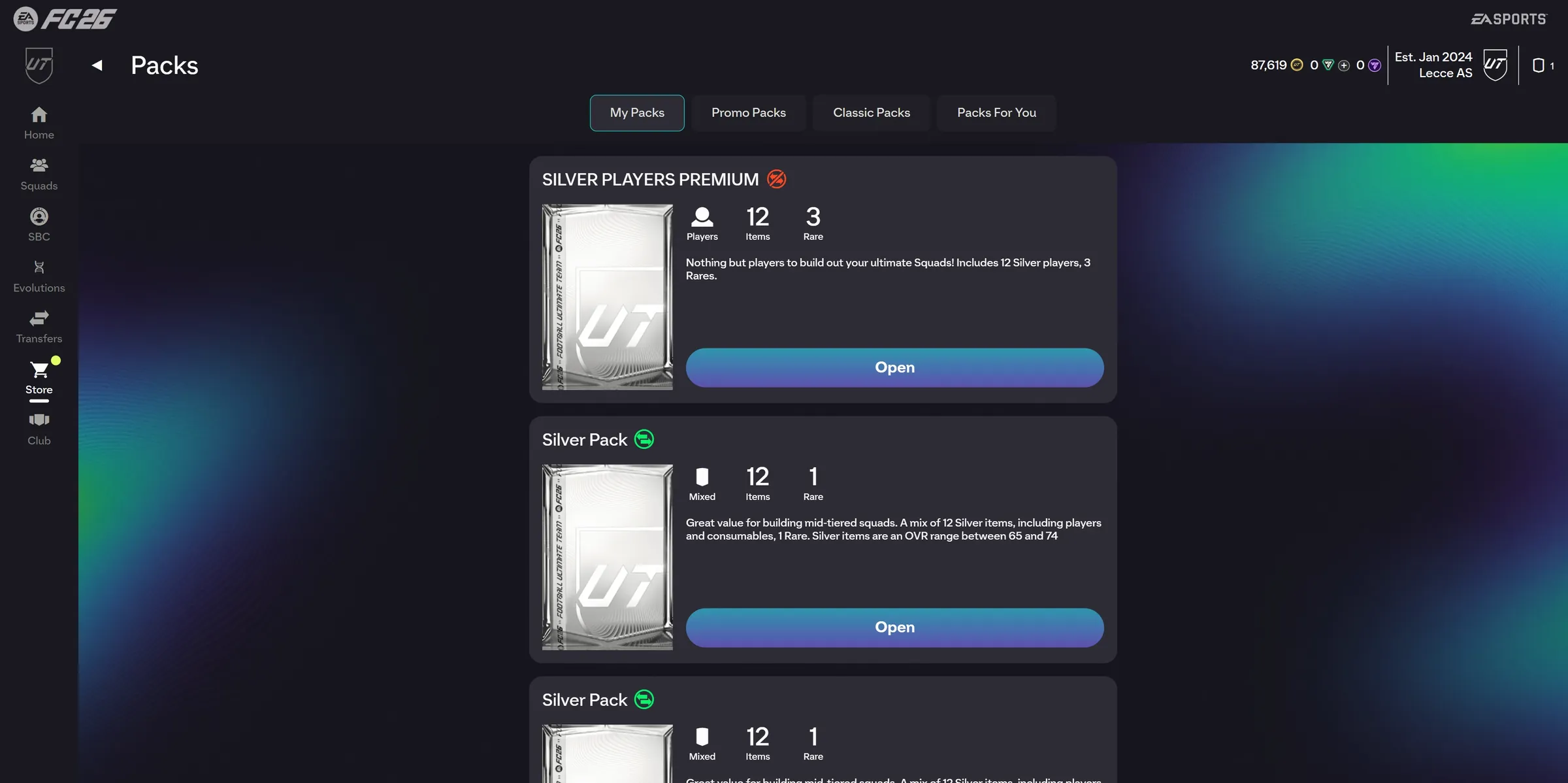
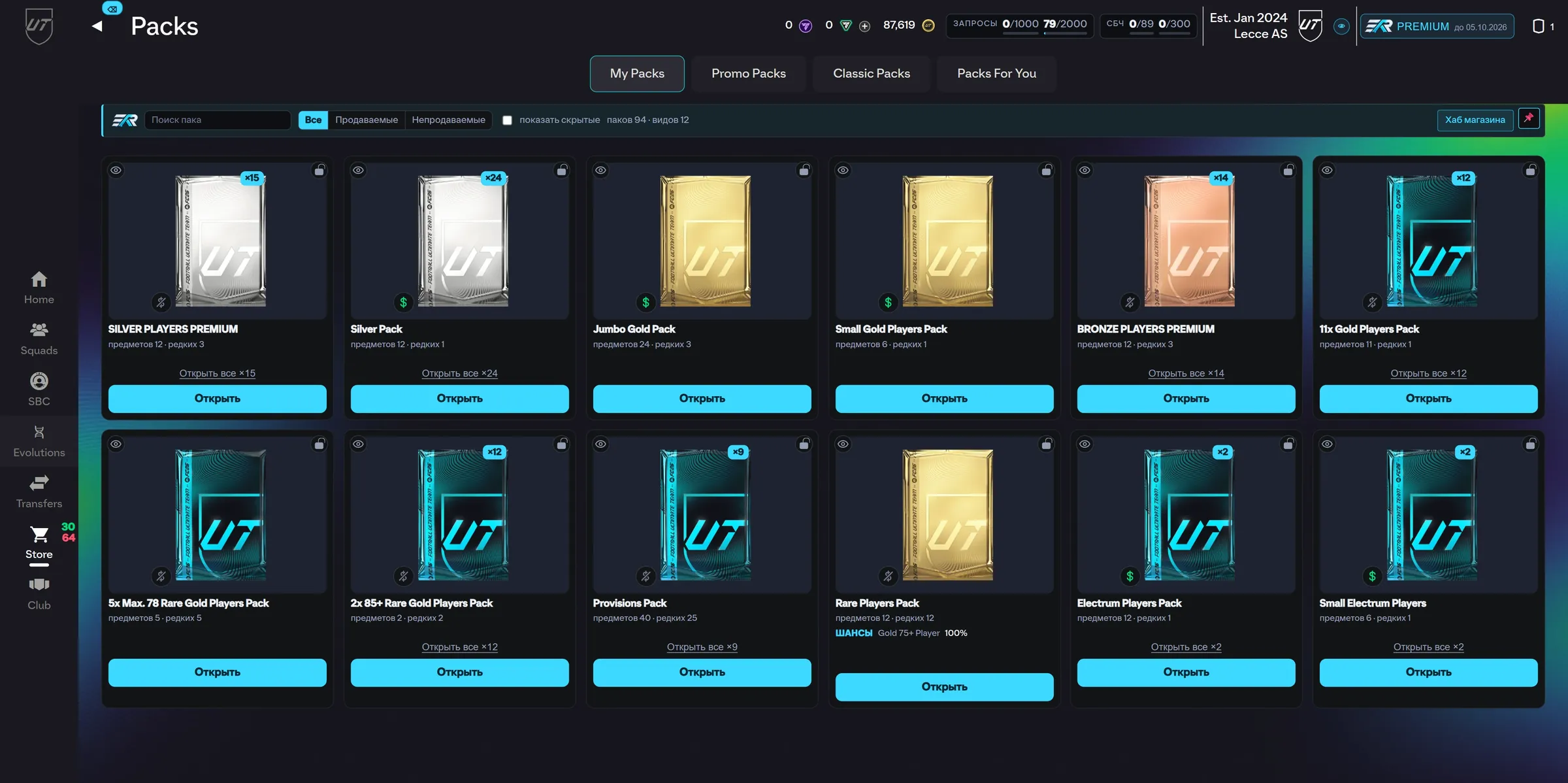
What appeared: the pack store as a grid, search by name, “Open all” in one press, pack odds
What the extension actually adds


What else the extension does
The same key opens all of it. There are no separate tiers.
- Home tiles without scrolling
- Card grid views
- Club summary line and club table
- Player pick panel, four in a row
- Squad bar above the pitch
- Objective rewards in the hub
- Trade sound alerts
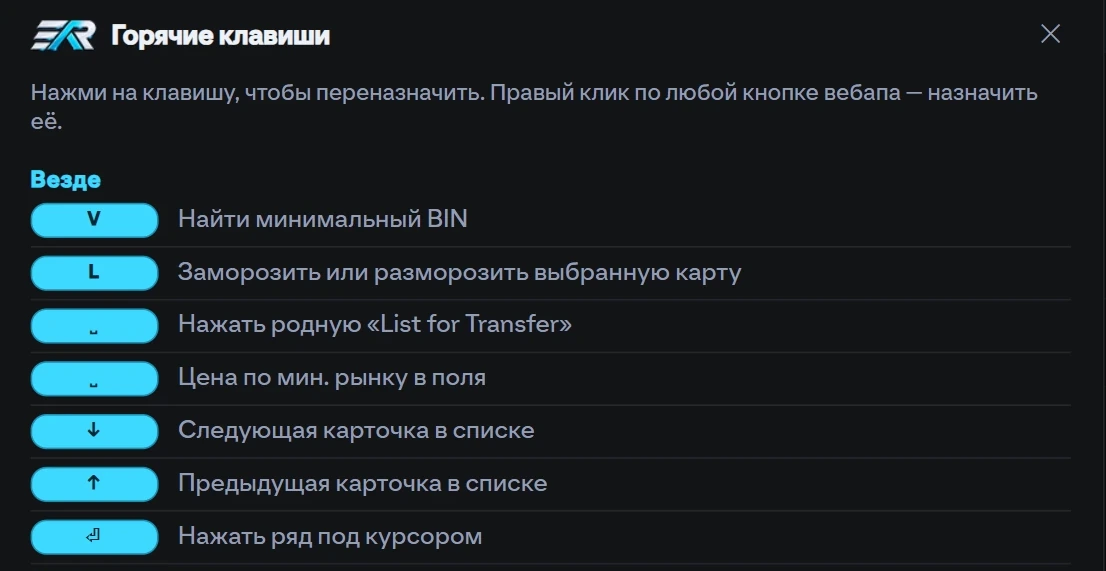
- Custom keyboard shortcuts
- Pick by price instead of rating
- And more that shows up in use
Pricing
One plan: premium opens the whole extension. You only choose how long the key lasts.
Freeno key needed
Premiumfull access
One-off payment. No auto-renewal.
- One-step sign-in to the web app
- Sales tax counted for you
- The ESHArio bar with counters
- Navigation on hotkeys
- Repeat announcements closed
- Search inside dropdown menus
- The SBC squad builder
- Buying a card inside the squad screen
- Prices shown above the cards
- Comfortable lists across the web app
- The pack store as a grid
- Saved search filters
A key runs for its term; renewing means buying again. Some things work without a key.
Questions
Your question is not here? Ask on the support page.
How do I install it?
From the Chrome Web Store in one step: the «Install» link in the header. Then open the web app at ea.com and ESHArio appears in the top bar by itself.
Which payment methods?
In rubles, as a one-off payment. The payment page shows the methods, and the buy page explains how and when access arrives after payment.
Which platforms are supported?
All the ones the web app opens for: PlayStation, Xbox and PC. The extension works with your account, not with a console.
Which devices are supported?
Anything that runs Chrome: Windows, Mac and Linux. The extension lives in the browser, not in the system. Phones will not do.
How often do updates ship?
The extension updates itself through Chrome. We are actively building it and will keep supporting it: improvements ship when ready.
The key does not work
Paste it whole, with no spaces, and then update the extension at chrome://extensions. Still stuck: write to support with your order number and we will help.